
The Add Book to Library function is used to register an individual physical copy of a book in the library inventory.
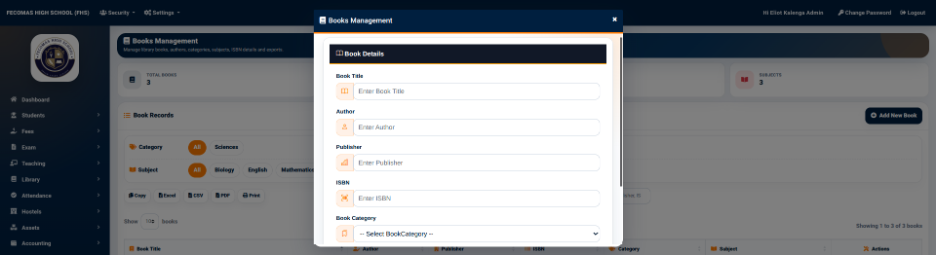
The Library Book Management form provides the following fields:
- Book — Used to search for and select the book being added to the inventory.
- Library Location — Used to select the physical location where the book will be stored.
- Barcode — Used to enter or scan the barcode assigned to the physical copy.
The Add button is used to save the inventory record.
The book must already exist in the main Books Management catalogue before a physical copy can be added to the inventory.
The barcode provides a unique identifier for the physical copy and can be used when managing borrowing and returning activities.