
The Check Schemes function provides an interface for reviewing and monitoring submitted schemes of work.
Within this area, the system displays Scheme Approval Records, allowing authorized users to review scheme information and its current status.
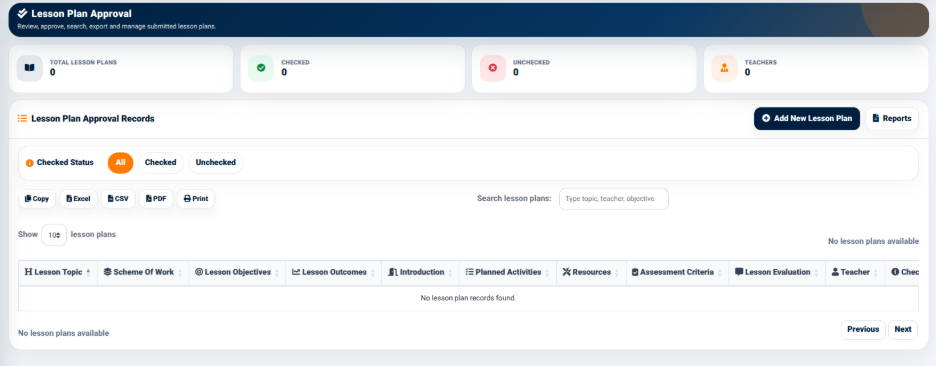
The interface provides summary indicators including:
- Total Schemes — Displays the total number of scheme records.
- Completed — Displays the number of completed schemes.
- In Progress — Displays the number of schemes currently in progress.
- Pending — Displays the number of pending schemes.
These indicators provide a quick overview of scheme progress.
Scheme Approval Filters
The Scheme Approval Records section provides status filters:
- All — Displays all scheme records.
- Completed — Displays completed schemes.
- In Progress — Displays schemes currently in progress.
- Pending — Displays schemes awaiting completion or further action.
The search field allows users to search scheme records using information such as subject, topic, or teacher.
Scheme Approval Records
The Scheme Approval Records table provides information including:
- Week & Term
- Subject
- Topic
- Lessons
- Success Criteria
- Status
- Actions