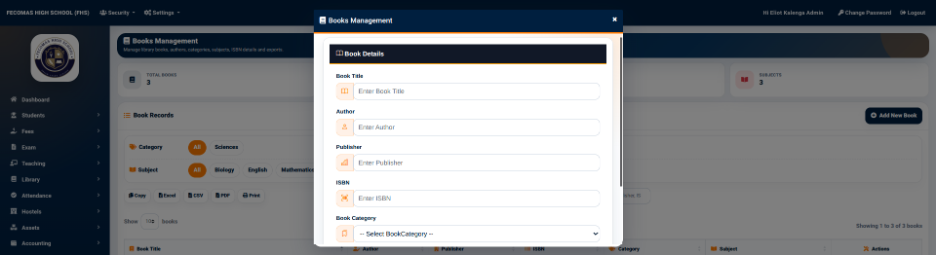
The Add Book to Library function is used to register an individual physical copy of a book in the library inventory.
The Library Book Management form provides the following fields:
The Add button is used to save the inventory record.
The book must already exist in the main Books Management catalogue before a physical copy can be added to the inventory.
The barcode provides a unique identifier for the physical copy and can be used when managing borrowing and returning activities.