
The Add New Role function provides the Role Setup interface for creating a new system role.
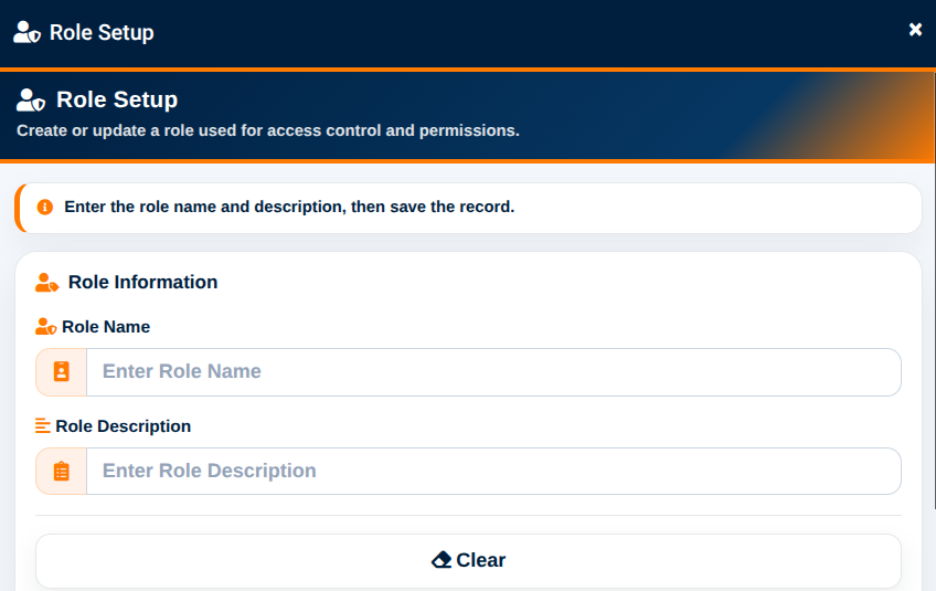
The Role Setup interface provides the following fields:
- Role Name — Used to enter the name of the new role.
- Role Description — Used to provide a description of the role and its intended responsibilities.
The Clear action removes the entered information from the form.
The Save Role action creates the new role.
Once created, the role becomes available for assignment to users and for configuration within Role Permission Management.