
The Books Management interface is used to maintain the main catalogue of books registered in the school library.
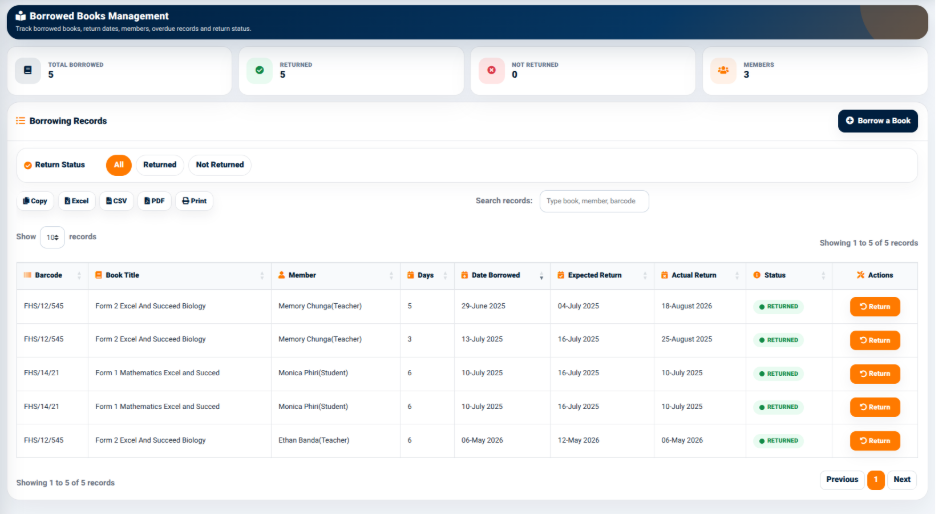
The interface provides summary information that allows users to quickly understand the current state of the library catalogue.
The summary indicators include:
- Total Books — Displays the total number of books registered in the system.
- Authors — Displays the number of authors associated with the registered books.
- Categories — Displays the number of book categories currently being used.
- Subjects — Displays the number of subjects associated with the registered books.
The interface also provides tools for searching, filtering, exporting, printing, and managing book records.
Filters
The Books Management interface provides filtering options that allow users to organize the displayed book records.
The available filters include:
- All — Displays all registered books.
- Category — Allows users to filter books according to their assigned category.
- Subject — Allows users to filter books according to their assigned subject.
These filters make it easier to locate books belonging to a particular category or academic subject.
Search and Export
The interface provides a Search Records field that allows users to locate specific books.
Users can search the records using information such as the book title, author, publisher, or ISBN.
The interface also provides the following options:
- Copy — Copies the displayed records.
- Excel — Exports the displayed records to Excel.
- CSV — Exports the records in CSV format.
- PDF — Generates a PDF version of the displayed records.
- Print — Provides a printable version of the records.
These options allow library information to be reused for administrative, reporting, or record-keeping purposes.
Records
The Book Records section displays registered books in a structured table.
The table contains information such as:
- Book Title — Identifies the title of the book.
- Author — Identifies the author of the book.
- Publisher — Displays the publisher.
- ISBN — Displays the International Standard Book Number associated with the book.
- Category — Displays the category assigned to the book.
- Subject — Displays the academic subject associated with the book.
- Actions — Provides available actions for managing the individual book record.
The table provides a centralized view of the books registered in the library.