
The Add New Asset function provides an interface for entering the information required to register a school asset.
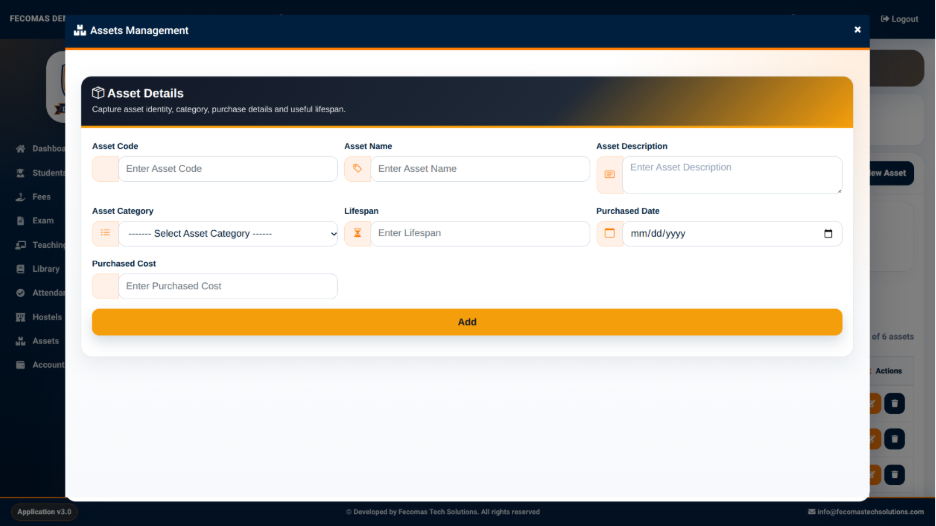
The Asset Details section provides the following fields:
- Asset Code — Used to enter the unique code identifying the asset.
- Asset Name — Used to enter the name of the asset.
- Asset Description — Used to provide a description of the asset.
- Asset Category — Used to select the category associated with the asset.
- Lifespan — Used to enter the expected lifespan of the asset.
- Purchased Date — Used to enter the date on which the asset was purchased.
- Purchased Cost — Used to enter the purchase cost of the asset.
The Add action is used to save the entered information and create the asset record.
Once the asset has been added, it becomes available within the Asset Records section for further monitoring and management.