
The Borrow a Book function is used to create a new borrowing transaction.
The Borrow/Return Books Management form provides fields for identifying the book and the member who will borrow it.
The available fields include:
- Search a Book — Used to search for the book that is being borrowed.
- Select Book Details — Used to select the required book from the available book information.
- Search Library Member — Used to search for the member borrowing the book.
- Select Library Member — Used to select the appropriate library member.
- Number of Days — Used to specify the number of days for which the book will be borrowed.
After the required information has been entered, the Borrow a Book button is used to complete the borrowing transaction.
The borrowing period is used to determine the expected return date.
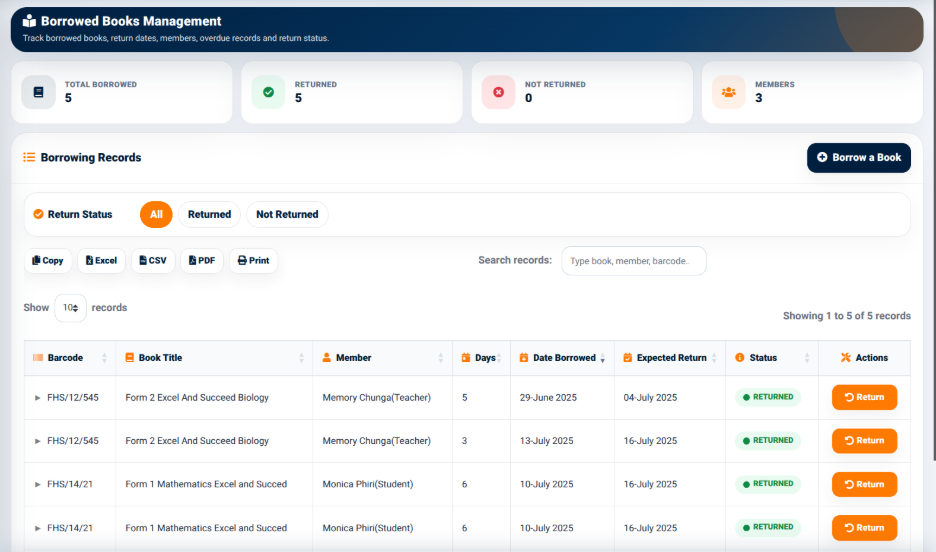
Once the transaction is created, it appears in the Borrowing Records section.