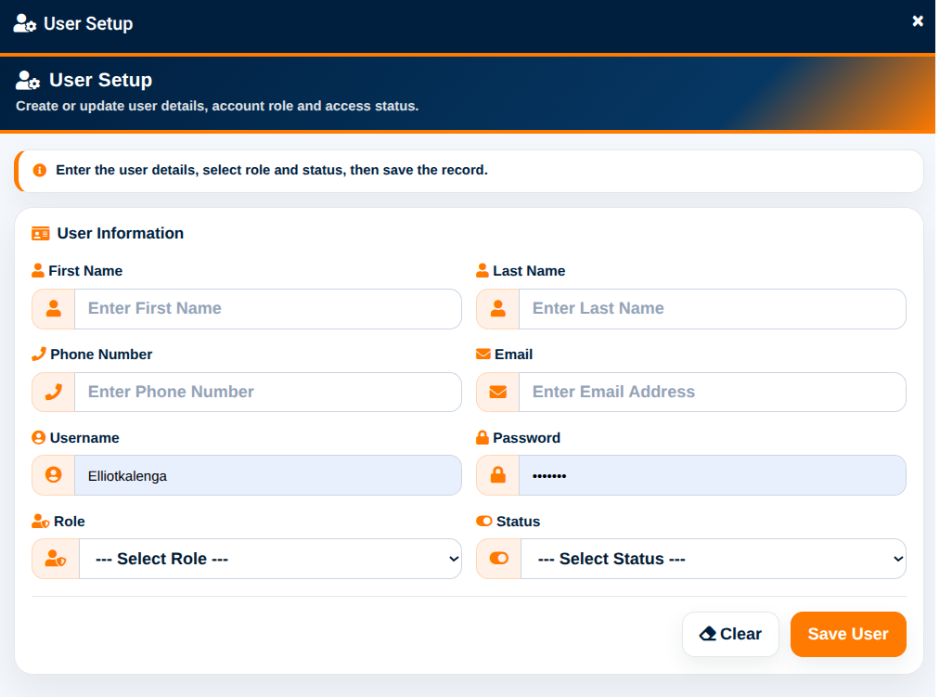
The Add New User function provides the User Setup interface for creating a system user account.
The User Setup interface provides an instruction to enter the user details, select a role and status, and save the record.
The User Information section provides the following fields:
The Role field allows the administrator to select from the roles configured within the school.
The Status field allows the administrator to determine whether the account should be active or assigned another available status.
The Clear action can be used to clear the entered information.
The Save action is used to create or update the user record.