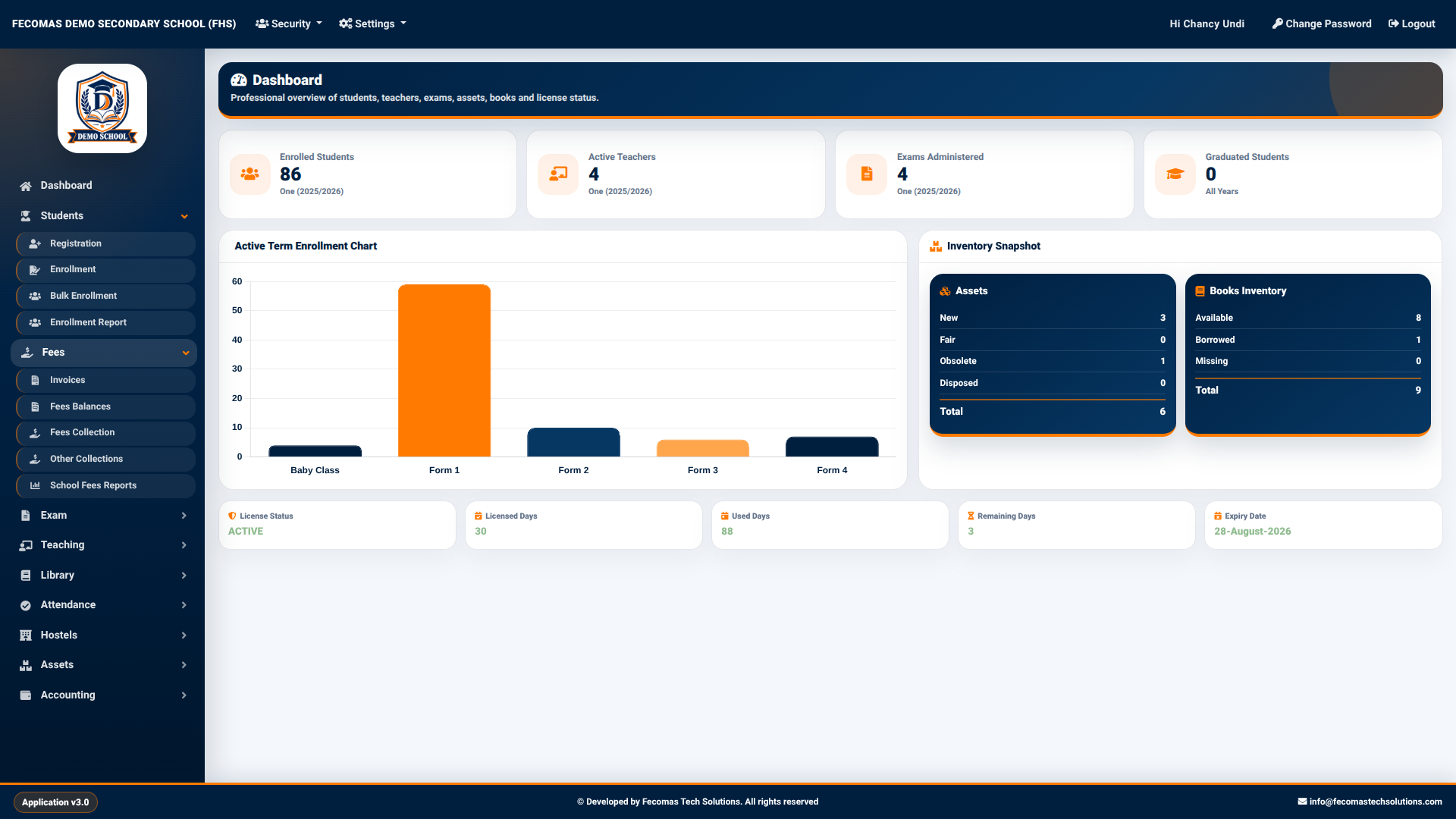
The Fecomas interface is organized around a persistent navigation structure that provides access to the major functional areas of the application. The navigation panel is positioned on the left side of the application and provides direct access to the dashboard and the principal school management modules.
The main navigation displayed in the system includes:
Dashboard — Provides an overall view of selected school statistics and system information.
Students — Provides functions related to student registration, enrollment, bulk enrollment, and enrollment reporting.
Fees — Provides functions for invoices, fee balances, fee collection, other collections, and school fee reports.
Exam — Provides examination-related functions, including score management, assessments, and school reports.
Teaching — Provides teaching-related functions such as schemes of work, checking schemes, lesson plans, lesson-plan approval, and period registers.
Library — Provides library functions including book borrowing and returns, inventory, locations, categories, book management, barcode generation, and library reporting.
Accounting — Provides accounting functions including the accounts dashboard, income, expense requests, expense approvals, and budgeting.
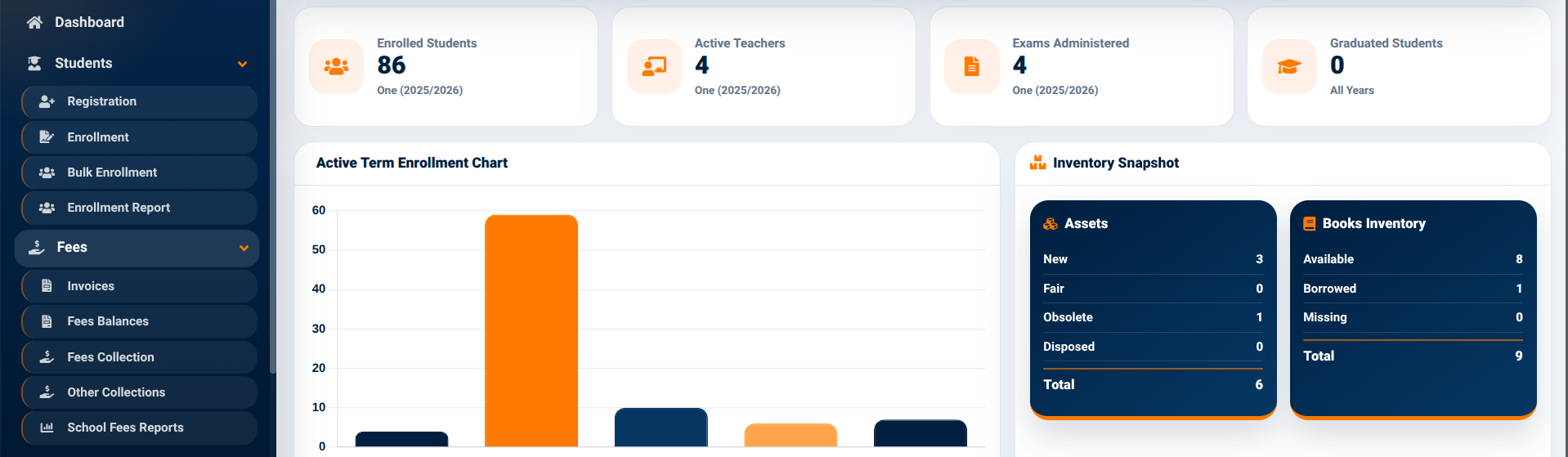
The navigation panel uses expandable menu sections. When a module is expanded, its related functions are displayed beneath the main module heading, allowing users to access specific operations without leaving the main application interface.
For example, the Students section provides access to Registration, Enrollment, Bulk Enrollment, and Enrollment Report functions. The Fees section provides access to Invoices, Fees Balances, Fees Collection, Other Collections, and School Fees Reports.
This structure allows related functions to remain grouped together while keeping the overall application navigation organized.