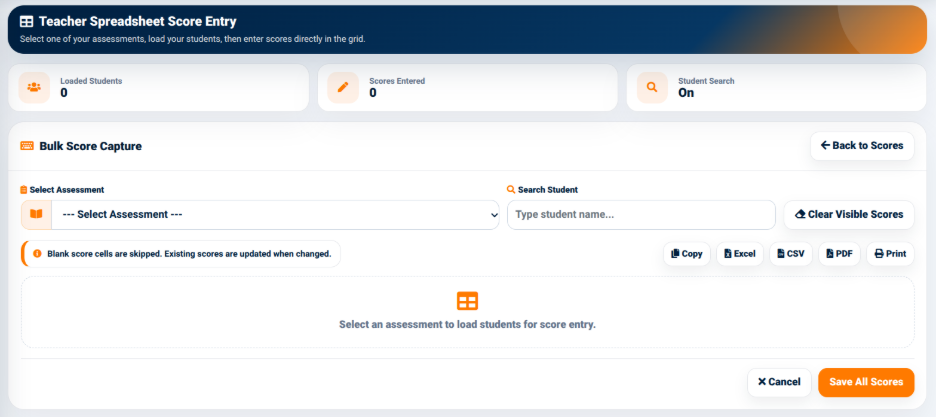
The Teacher Spreadsheet Score Entry interface provides a grid-based method for entering scores for multiple students.
The interface provides summary information including:
The Bulk Score Capture section provides an Select Assessment field used to select the assessment for which scores are being entered.
A Search Student field is also provided to locate individual students within the loaded records.
The interface provides an option to clear visible scores where required.
An information message indicates that blank score cells are skipped and that existing scores are updated when changed.
The spreadsheet-style interface therefore allows teachers to enter or update multiple student scores directly within a structured grid instead of entering each score through the individual score form.
The Spreadsheet Score Entry interface provides output options including:
These options allow the displayed score information to be copied, exported, generated as a PDF, or printed.